The Beginning is at Tata Housing Rio De Goa, Tower 4, Flat 604.
When you arrive at the main gate, security will check the IDs of the registered guests. Once you're through, you can ask security to point you towards Tower 4.
Guest Guide
Practical information, simple guides and answers to common questions — so you can settle in quickly and make the most of your time in Goa.
Find what you need, or explore the full guide below.
All 25 questions
Open a question for practical information, instructions and downloadable guides.
The Beginning is at Tata Housing Rio De Goa, Tower 4, Flat 604.
When you arrive at the main gate, security will check the IDs of the registered guests. Once you're through, you can ask security to point you towards Tower 4.
Please carry the same ID used for your booking.
The apartment key will be kept in a combination lockbox outside the apartment door.
You'll receive the combination code along with your welcome/check-in instructions before arrival.
Your designated parking space is 238.
The Wi-Fi network name and password will be shared with your welcome details before check-in.
Yes. The Beginning has an up to 150 Mbps internet connection, which we've comfortably used for streaming YouTube and Netflix and should handle normal remote-working needs well.
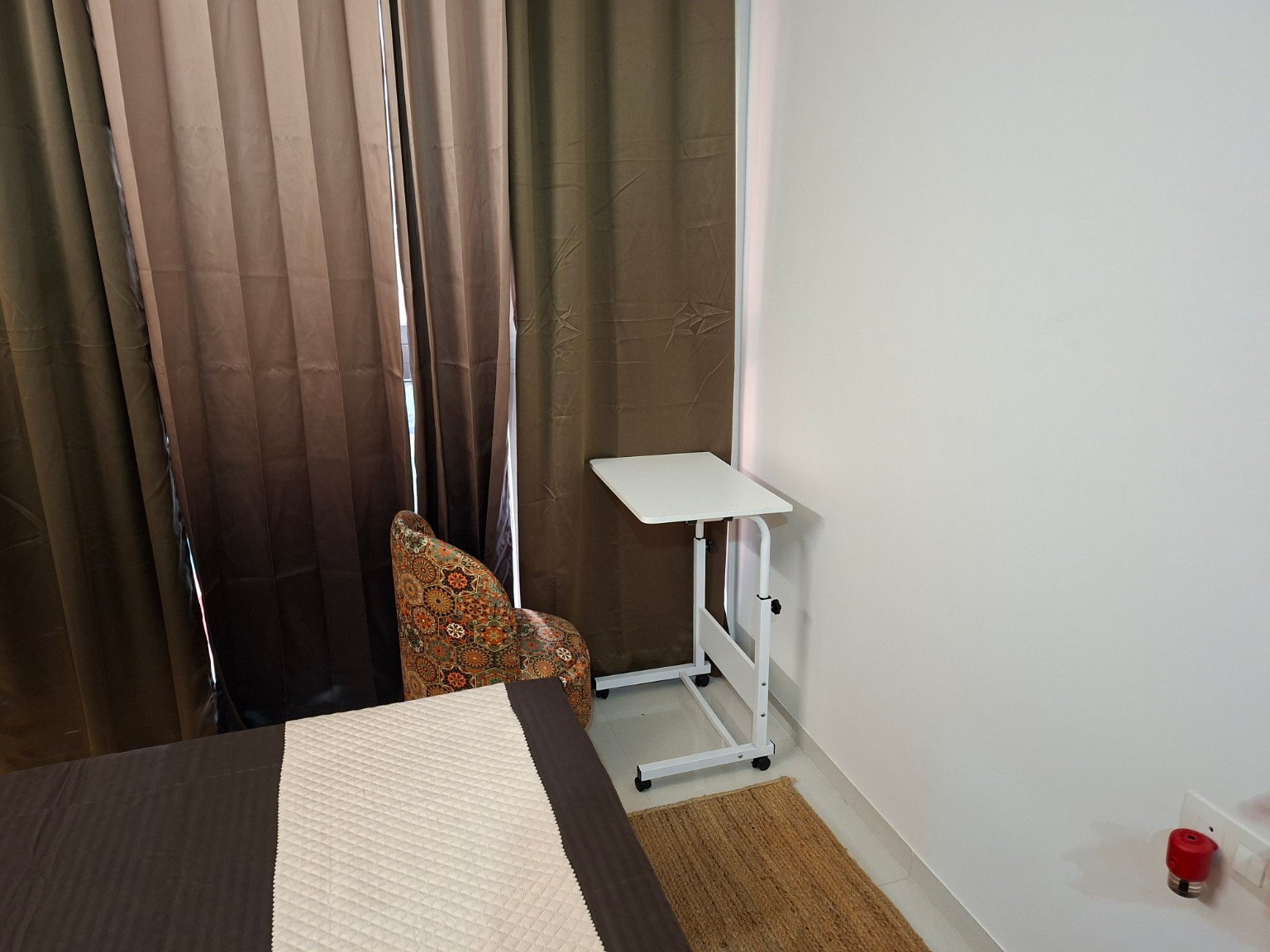
There isn't a dedicated office desk.
Instead, there's a movable multipurpose table that can be used as extra kitchen space or moved into the living area and used as a laptop/work table with the chair or sofa.
The sound should then start playing through the soundbar.
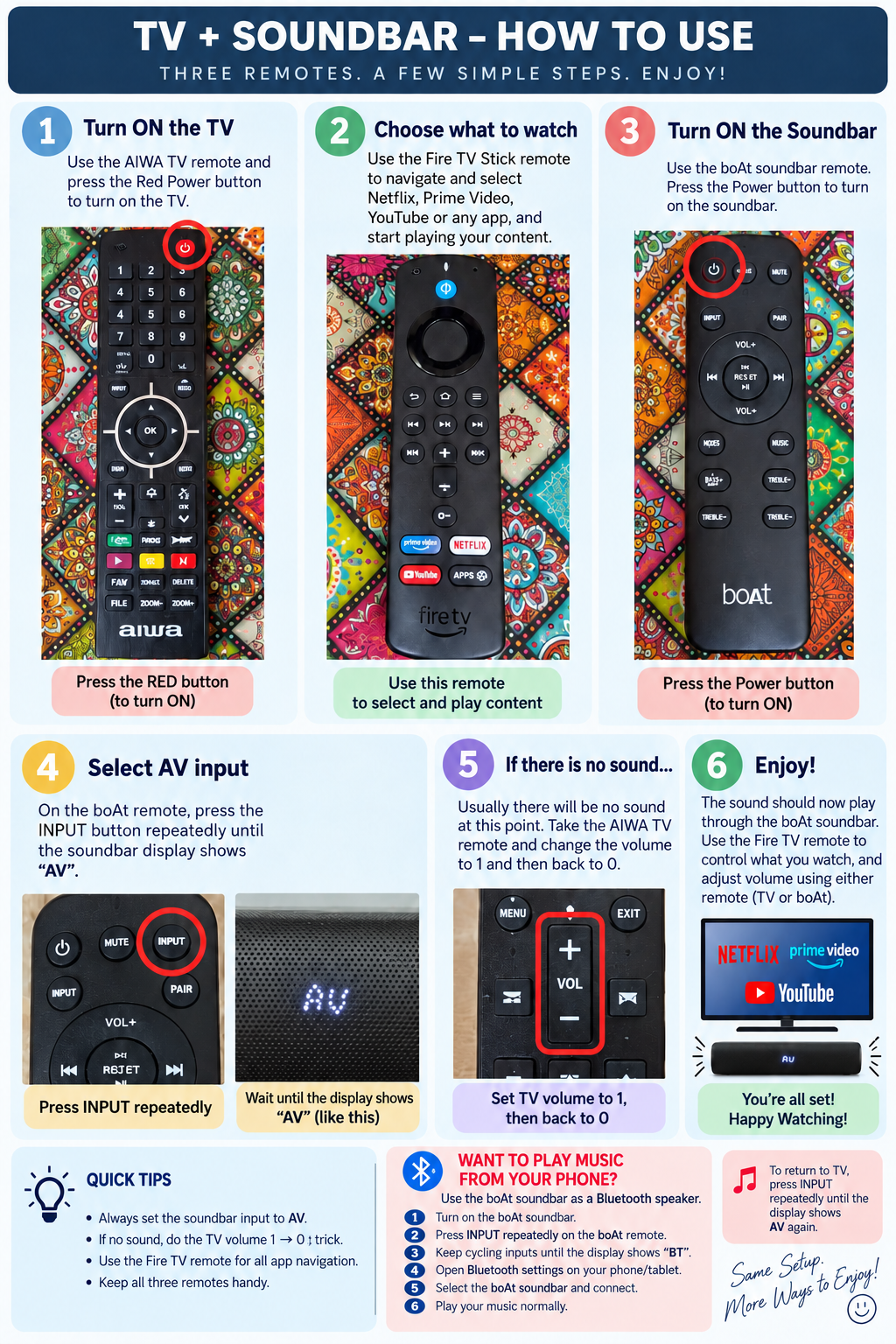
The TV + Soundbar guide includes these Bluetooth instructions.
The TV has a Fire TV Stick, so you can access services such as Netflix, Prime Video, YouTube and other supported apps.
Wi-Fi is provided, but guests need to sign in using their own subscriptions/accounts for paid streaming services.
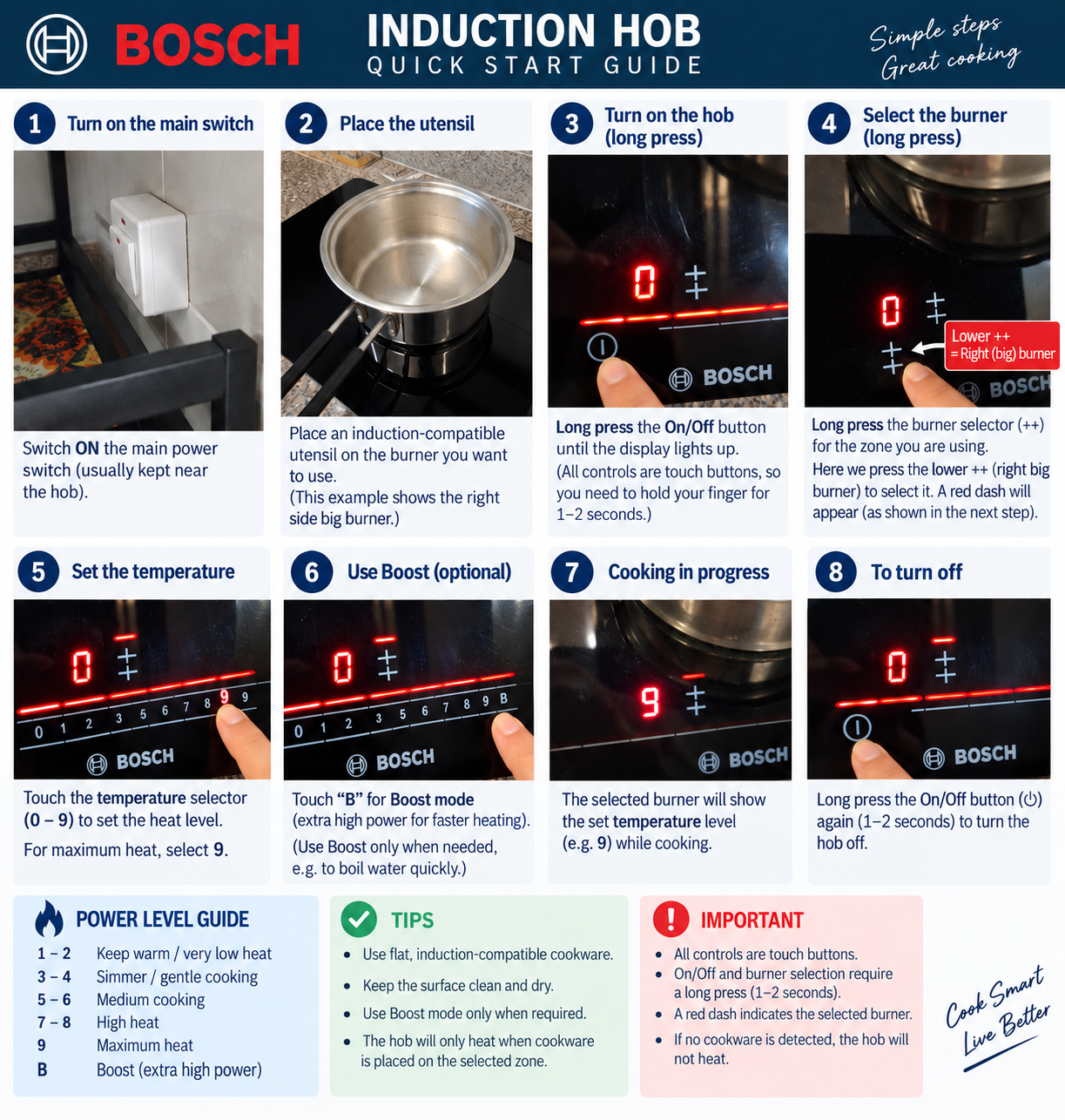
Use flat, induction-compatible cookware.
The hob will only heat when suitable cookware is detected on the selected cooking zone.
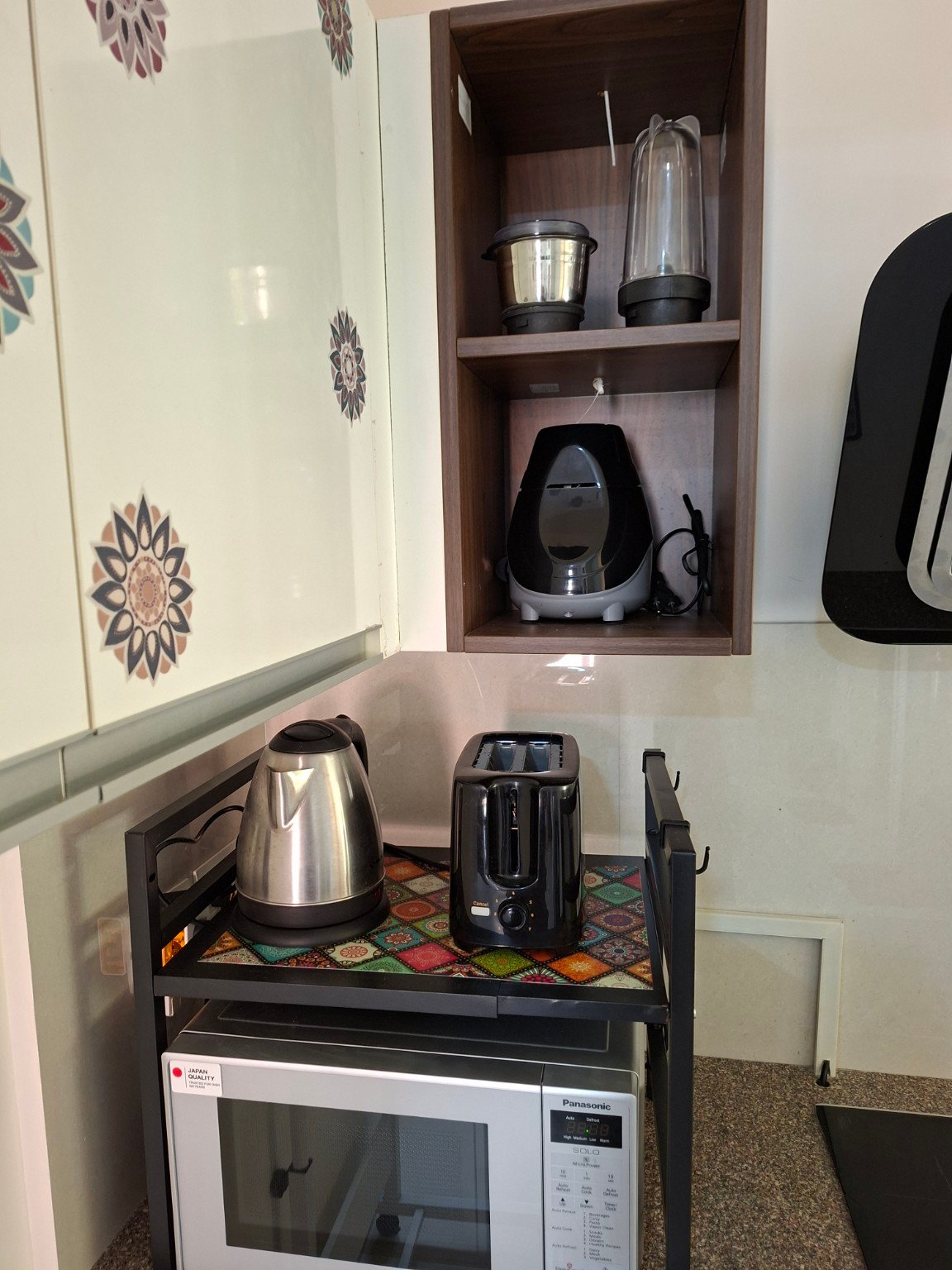
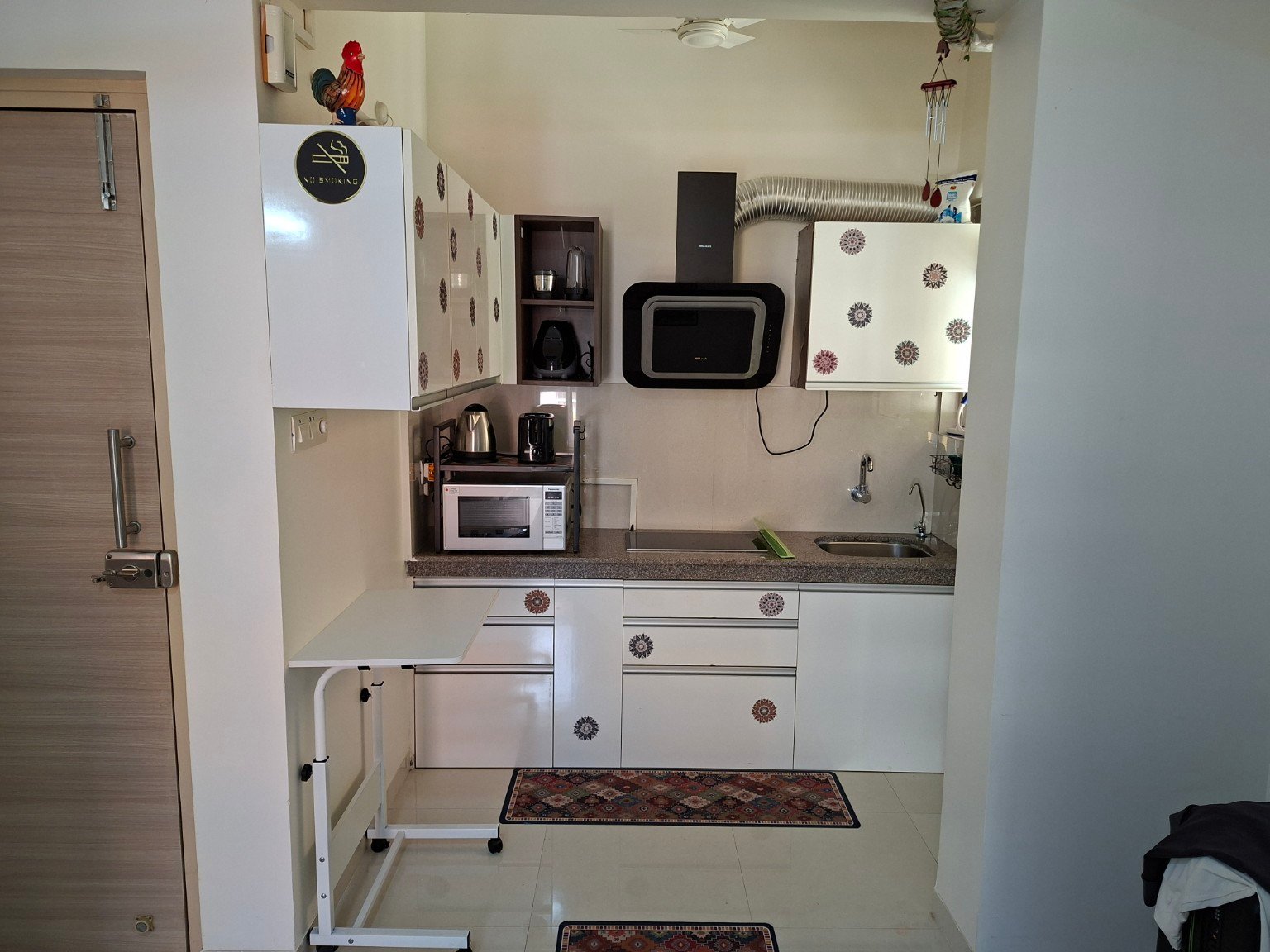
Along with the Bosch induction hob, the kitchen includes:
The kettle and toaster are kept above the microwave.
The mixer/grinder and its jars are stored in the open shelf above.
The movable white table can also be used as additional kitchen preparation or support space when needed.
Yes.
Swiggy, Zomato and Blinkit deliver to Rio De Goa.
There are also local grocery shops within walking distance if guests prefer to pick things up themselves.
There's a top-loading washing machine in the apartment with a semi-dry/spin function.
If you'd prefer a laundry service, Klean Wave Laundry is less than 200 metres away.
The apartment has regular split air conditioners operated using their remotes.
The ACs run through voltage stabilizers.
After switching on the main power, allow a few minutes before the AC starts.
If the power trips or the AC has just been switched off, it may also take a few minutes before it can restart.
This delay is normal.
Please place your tied garbage bag outside the apartment door before 8:00 AM for the morning collection.
If collection arrangements change during the stay, guests will be informed.
Guests of The Beginning can use the main/bigger swimming pool in front of the gym.
Proper swimwear is required.
A swimming cap is required for women and guests with long hair.
No.
The rooftop infinity pool is not available to guests of The Beginning.
Guests can use the main swimming pool in front of the gym instead.
Current timings:
The gym follows the same operating timings.
Facility timings can occasionally change, so guests should follow current notices displayed by Rio De Goa.
Yes.
Guests of The Beginning can use the Rio De Goa gym during its operating hours.
Around the clubhouse/gym area are recreational facilities including:
Access or availability can occasionally vary.
Guests can also enjoy the terrace/viewing area overlooking the Zuari side.
For power, plumbing or similar building-related problems, contact Rio De Goa security, who can arrange assistance.
Rio De Goa Security
+91 91120 05945
You can also try dialling 9 from the apartment intercom, although the intercom is not always reliable.
The most reliable way is to call Rio De Goa security directly:
Guests can also dial 9 from the apartment intercom, although the intercom is not always reliable.
Make yourself at home — and please treat The Beginning and Rio De Goa as you would your own home.
Most importantly, enjoy the place. We're trusting you with our little home in Goa.
Before leaving:
That's it — we'll take care of the rest. Have a safe journey home.
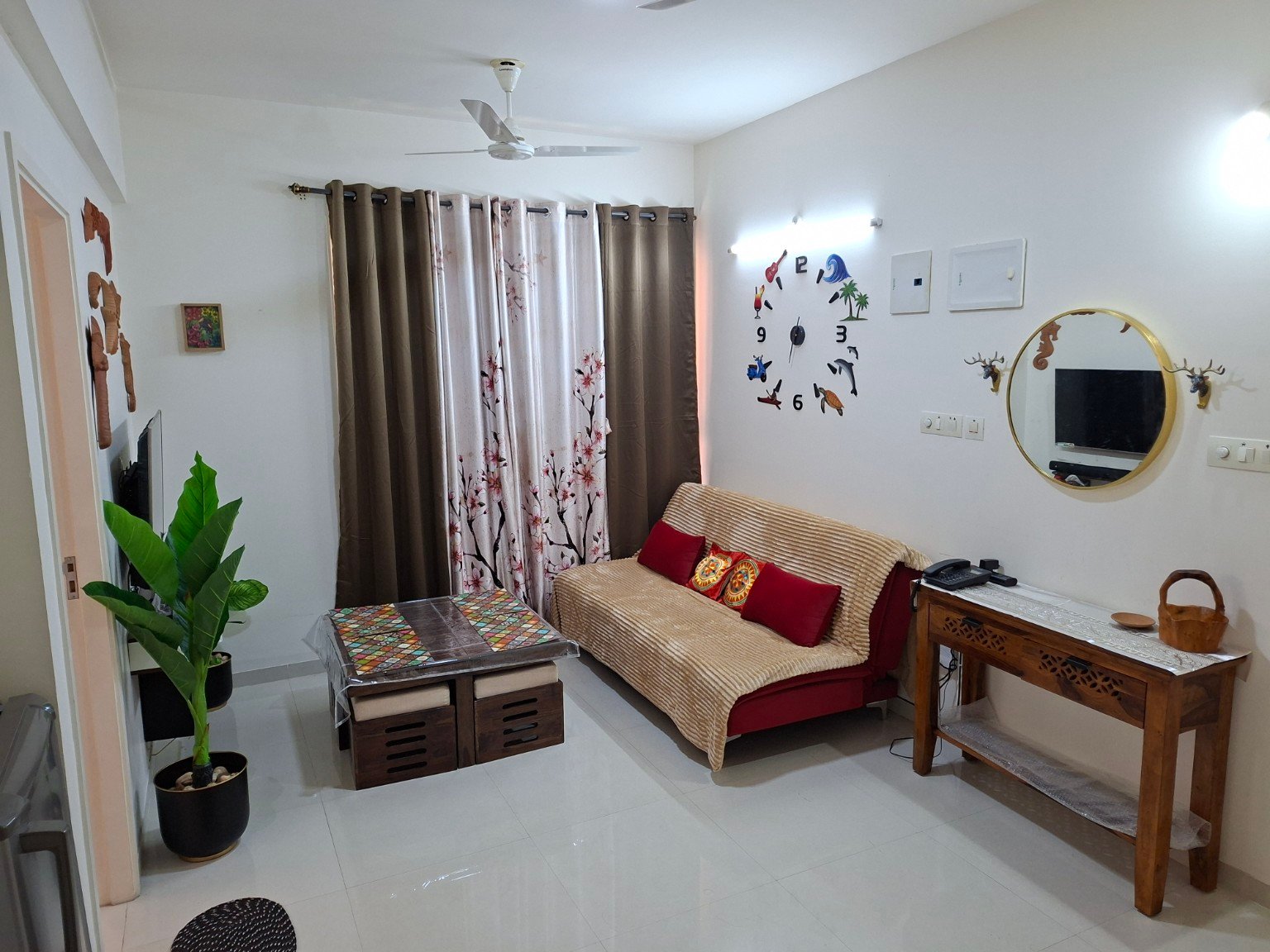
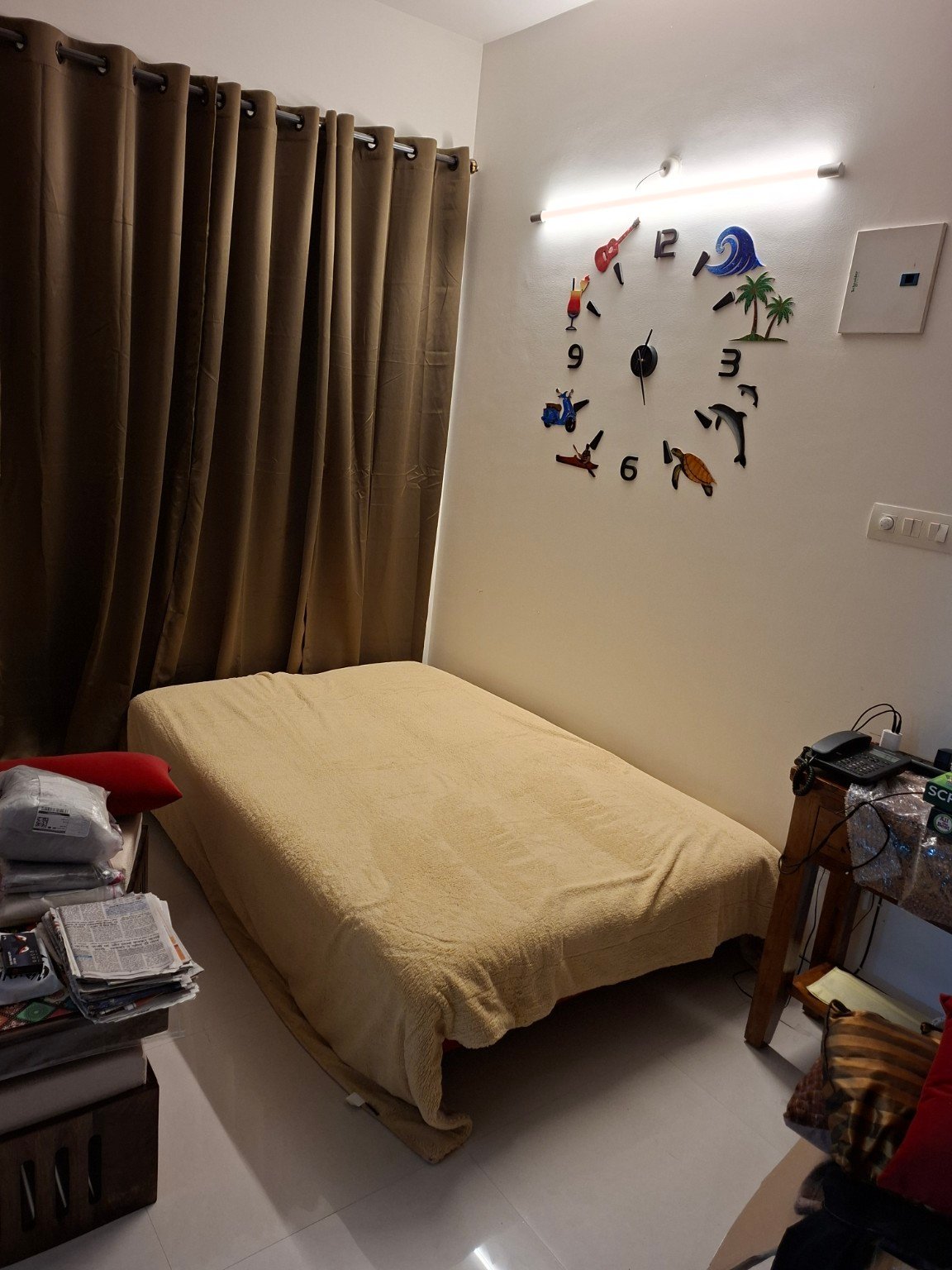
The living-room sofa converts into an additional bed when needed.
Guests don't need to figure out the setup themselves.
Our caretaker can help convert it and prepare it for sleeping.
If the sofa-bed will be needed during the stay, guests can let us know so it can be prepared.
Try a different word, choose another topic or show all questions.
Still need a hand? Get in touch →